
Steps to Recover Data After a Laptop Falls Into Water
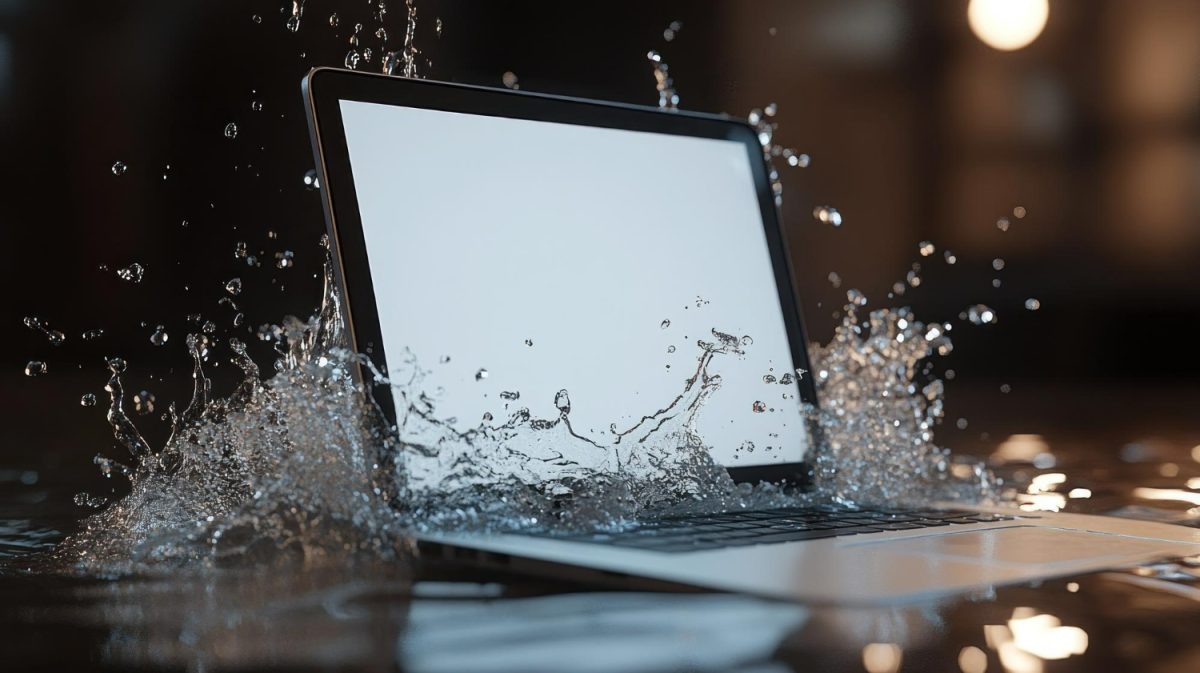
A soaked laptop is never a fun surprise. One second it’s sitting on the table, and the next it’s in a puddle, maybe after a spilled drink or a slip off the counter. In that moment, people naturally panic. There’s worry about whether the laptop will ever turn back on, but for many, the bigger concern is losing important files.
Things like photos, projects, and personal documents can be hard or impossible to replace. That’s where quick action makes all the difference. When something like this happens, many people start searching for data recovery in New Port Richey, wanting to know how to save their files before it’s too late.
First Things to Do Right After the Laptop Gets Wet
It may be tempting to try turning it on and checking for damage, but that can actually make things worse. Here’s what to do instead:
• Power it down right away. Hold the power button until the screen goes dark.
• Unplug any cords connected to the laptop or charger.
• If it has a removable battery, take that out too.
• Don’t press keys, click the trackpad, or try to boot it back up.
• Gently dry the outside with a clean cloth, then prop it open and move it to a dry, room-temperature spot.
Avoid putting it in direct sunlight or near heat. Just let it sit quietly and don’t rush to peek inside. The idea is to prevent more damage before a professional can take a look.
What Not to Try When Saving Your Laptop
People have come up with some pretty creative ways to handle a water-damaged laptop, but many of those tricks do more harm than good. For example, using a hair dryer might seem helpful at first, but high heat can damage internal parts. The same goes for ovens or placing a laptop on top of a heater. These can melt components or push water deeper inside.
Store-bought drying kits and bags of rice often get suggested, but they don’t do much with electronics. Most of the time, they just delay getting real help while the damage continues. Guesswork is risky here. It could make simple recovery steps much harder later on.
Why Bringing It to a Pro Is the Smart Move
Once a laptop’s been in water, especially in high-humidity places like New Port Richey, time really matters. Corrosion can start quickly inside the device, even if it looks fine on the outside. That’s why we recommend handing it off to someone who knows exactly how to deal with liquid damage.
Professionals have the tools to safely open, inspect, and clean delicate parts without causing more trouble. At Avant Computers, we use specialized hardware data recovery tools that talk directly to failing drives instead of standard Windows, Apple, or Linux software. They often work in clean environments that keep dust and other particles away during the process. That’s a big deal when trying to pull files from a fragile or wet hard drive.
The earlier a soaked laptop is checked out, the better the chances of getting important files back. Having locally based experts nearby, familiar with Florida’s weather and how it affects electronics, makes it easier to act fast and avoid mail delays.
What to Expect From a Data Recovery Process
Bringing in a water-damaged laptop doesn’t mean the files are lost forever. Recovery often starts with a look at what kind of damage the machine has. If the drive is in good shape, it might be possible to copy files directly from it. If not, specialized equipment can be used to pull data off bit by bit.
We often see people hoping to recover:
• Work documents
• School projects
• Photos or videos
• Personal letters or saved messages
When someone shows up looking for help with data recovery in New Port Richey, what they usually want most is peace of mind. Knowing their files are back, or at least recoverable, helps take a lot of stress out of the situation. Our data recovery service covers desktop and laptop drives, solid state drives, external drives, servers, RAID arrays, USB drives, and phones, so many different kinds of devices have a chance at getting their information back.
How to Protect Your Files Next Time
Accidents can happen even with the best intentions, but it’s easier to bounce back when files are backed up ahead of time. There are a few ways to stay prepared:
• Save copies to an external hard drive or USB stick you don’t always keep with your laptop.
• Set up automatic cloud backups so your files are saved off-site.
• Keep sensitive documents in more than one place.
Making backup a regular habit can stop one bad day from turning into a bigger loss. It only takes a few minutes and helps keep data safer no matter what happens.
Keep Calm and Let the Experts Handle It
Water damage feels scary, especially when important files are at risk. But staying calm and taking the right first steps gives you the best chance at saving what matters.
Not every laptop can be saved, but many can with quick action and help from people who know what to do. We always recommend acting early and avoiding risky fixes. With the right care and judgment, many soaked devices still have a shot, and so do the files inside.
We are a family owned repair shop in New Port Richey offering a free diagnostic when we do the repair and a 180-day warranty on repairs, which adds extra reassurance when you are already dealing with a stressful situation. At Avant Computers, we know how stressful it can be to lose files after a laptop takes a spill, especially when quick action could make all the difference. Whether it’s a few documents or years of photos, the goal is always to recover as much as possible. If you’re looking for help with data recovery in New Port Richey, taking the next step sooner can boost your chances. We’re ready to take a look, answer your questions, and offer safe options that don’t risk your files. Give us a call and let’s talk about how we can help.