
Back‑to‑School Computer Maintenance in New Port Richey Homes
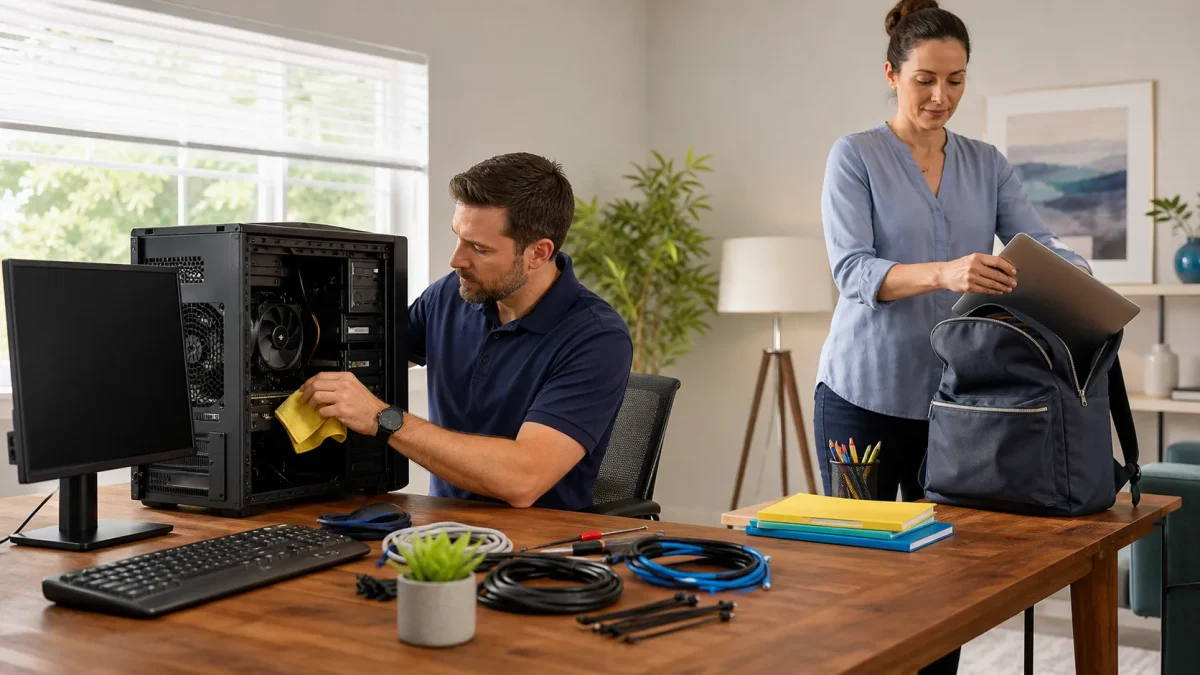
Set Your Family’s Tech up for a Successful School Year
Backpacks are packed, classes are settled, and now the real schoolwork starts. By late September and early October, teachers are posting grades, online portals are busy, and homework is steady. This is when families in New Port Richey really feel if their home computers are ready for the year or not.
A slow laptop, a dead battery, or a glitchy Wi‑Fi connection can turn a normal homework night into a stressful mess. These days, a reliable computer is as important as notebooks and pencils for most students. From online assignments to research projects and virtual tools, schoolwork depends on tech that actually works.
We want families and teachers in our area to see computer care as part of back‑to‑school prep. At Avant Computers, we think of ourselves as a local partner for your home, helping you keep everything running smoothly long after the first day of school photos are taken.
Tune-up Basics Every Student Laptop Should Get
By early fall, most families know which devices are getting the most use. This is the perfect time for a tune-up. Student laptops and home PCs handle a lot, and small issues tend to grow if they are ignored.
Some simple checks can make a big difference in how school devices feel day to day, like:
- Removing unneeded startup programs that slow down logins
- Cleaning temporary files and old downloads that clog up storage
- Updating the operating system and drivers so school apps run smoothly
- Checking for error messages or strange behavior before they get worse
Battery life matters a lot for students too. A laptop that dies halfway through a school day or during an online test is a real problem. It helps to:
- Check battery health and see if it still holds a good charge
- Inspect charging ports for looseness or damage
- Look over power cords for kinks or fraying
Physical cleaning should not be skipped. Kids eat, drink, and work on devices in all kinds of places. Dust and crumbs can cause heat buildup, and dirty screens make reading harder. We recommend a regular routine that includes:
- Cleaning keyboards and touchpads
- Clearing vents so fans can move air
- Wiping screens with proper cleaners
- Looking for early signs of wear like loose hinges or missing keys
When a pro handles this type of tune-up, small problems can be spotted and fixed before they turn into a lost homework night.
Protecting Schoolwork: Backups, Viruses, and Teen Tech Habits
Schoolwork might live in a learning portal, on a laptop, in email, or in cloud folders. With all those places, it is easy to lose track of where things are saved. A sudden crash or a failing drive can erase essays, projects, and even college application drafts.
A simple backup plan can protect your student’s work. We often suggest a mix of:
- Automatic cloud backups for documents and photos
- An external drive for extra copies of important files
- A regular habit of saving school files in the same safe folder locations
Kids and teens also use computers in very different ways than adults. Gaming, streaming, downloads, and random websites raise the chance of viruses, malware, and phishing, especially on shared home PCs. One bad click can lead to pop-ups, strange toolbars, or worse.
To lower the risk, families can set up some basic rules:
- Create separate user accounts for parents and kids
- Turn on parental controls where they make sense
- Limit installs so only a trusted adult can add new apps
- Run routine antivirus scans and keep security tools updated
If something still slips through, we help remove infections and tighten security so school devices are ready for work again, not stuck fighting pop-ups.
Smart Computer Maintenance in New Port Richey Homes
Living in West Pasco County comes with its own tech headaches. Afternoon thunderstorms and quick power flickers can shut computers off in the middle of homework. Humidity and heat can be hard on hardware over time. All of this can shorten device life and even corrupt files.
There are a few smart steps New Port Richey families can take:
- Use surge protectors on desktops, laptops, and routers
- Add a battery backup for key homework areas, like a main family PC
- Keep vents clear and avoid stuffing towers inside closed cabinets
- Give laptops a flat, hard surface so they do not overheat on beds or couches
We also like the idea of a simple seasonal checklist for local homes. Nothing fancy, just a light rhythm that keeps you ahead of trouble:
- Early fall: Back‑to‑school tune-up, cleanup, and backup check
- Mid-year: Health check on batteries, storage space, and security
- Pre-summer: Cleanup before kids are home more and using devices all day
With a schedule like this, families spend less time putting out fires and more time focusing on school success.
When to Call a Pro Instead of DIY Fixes
It can be tempting to search for quick fixes and try to handle everything alone. But some problems are signs that it is time to stop guessing and let a pro step in. Pay attention if you see:
- Frequent freezing or crashing
- Fans that run loud all the time
- Sudden slowdowns when nothing big has changed
- Constant pop-ups or strange programs
- Cracked or flickering screens
- Any kind of liquid spill on a laptop
School-issued Chromebooks, Apple devices, and gaming laptops can be easy to damage with the wrong screwdriver or a cheap part. Online videos rarely show the full risk, and one slip can turn a small problem into a dead device.
We work with families and small home offices across West Pasco County that depend on their computers for both work and school. Professional diagnostics, repairs, and on-site IT help protect your time, your student’s schoolwork, and your investment in your tech.
Make a Back-to-School Tech Plan with Avant Computers
The best way to keep computers ready for homework is to treat them like any other thing your family depends on. Cars get oil changes. AC units get checked. School devices deserve a plan too.
A helpful approach is to create a simple written “family tech plan” that covers:
- Which devices are used for school
- When each one will get maintenance during the year
- How and where backups are stored
- Rules for safe use, downloads, and screen time
- What your family will do if a device fails during a big assignment
When you want local support for that plan, Avant Computers is here in New Port Richey, focused on fast, affordable repair and IT help for homes and small businesses. With the right mix of regular care and expert support when things go wrong, your family’s computers can stay reliable all school year, from the first assignments of fall through final projects in late spring.
Keep Your Devices Running Smoothly and Securely
If you are ready to prevent slowdowns, crashes, and unexpected data loss, our team at Avant Computers is here to help. Learn how regular computer maintenance in New Port Richey can extend the life of your devices and keep your tech frustrations to a minimum. We will evaluate your current setup, recommend practical next steps, and handle the work so you can stay focused on what matters most. To schedule service or ask a question, simply contact us today.