
Laptop Liquid Spills: When Repair Beats Replacement in New Port Richey
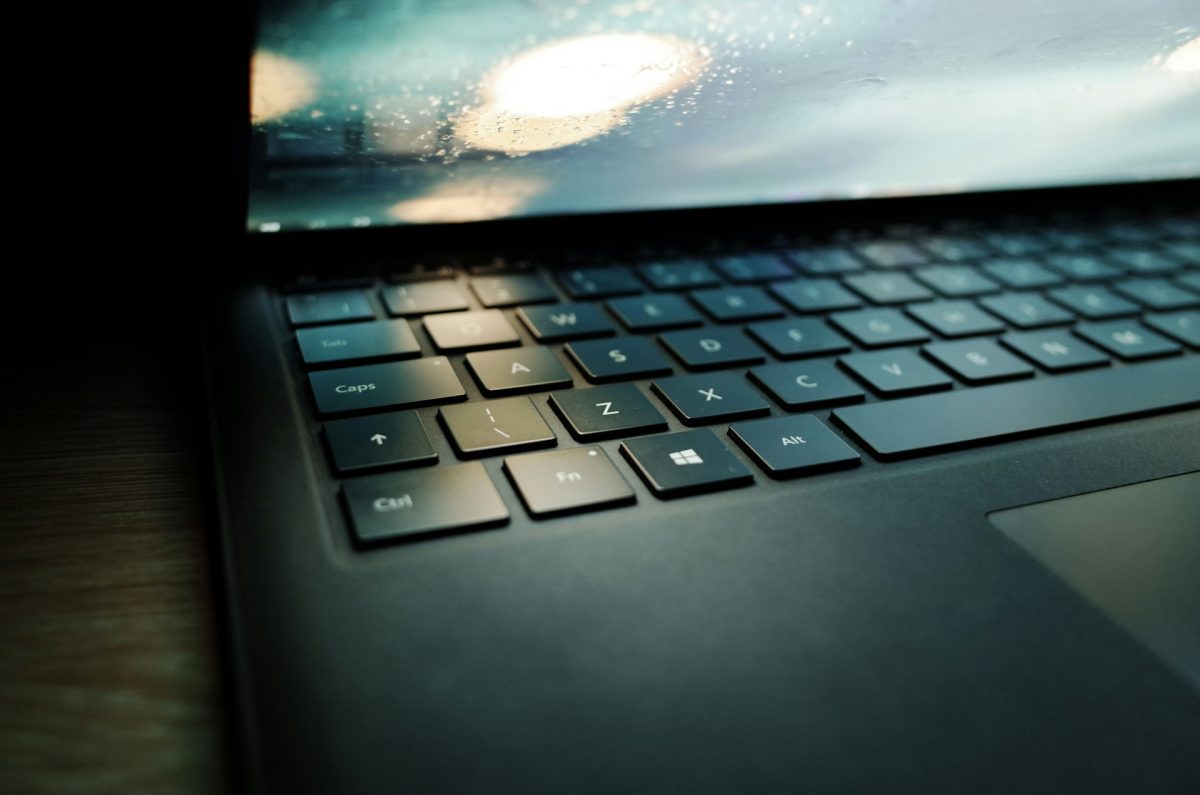
A drink on your laptop can ruin your whole day. One second, you are on a work call or online class, and the next your iced coffee is running under the keys. It feels like you just watched a pile of money slide off the table. Many people assume that once liquid hits a laptop, the only answer is to buy a new one.
That is not always true. With quick action and the right laptop repair service, a lot of liquid-damaged laptops can be saved. The key is speed, smart first steps, and getting help from someone who knows what they are doing. In New Port Richey, that kind of help can make the difference between a short scare and a total loss.
When a Split-Second Spill Does Not Mean a New Laptop
Spills do not wait for a calm, quiet moment. They usually hit right before a deadline, during a video meeting, or while kids are trying to finish schoolwork. Add in a hot summer afternoon, a cold drink with condensation, and a small desk, and trouble shows up fast.
Here is what tends to go through someone’s mind after a spill:
- Panic about lost files, photos, schoolwork, or business records
- Worry about the cost of replacing a laptop
- Confusion about what to do first and what to avoid
Many people assume, “It is dead, I need a new one.” But we see something different all the time: laptops that look terrible after a spill but can run again with the right care. Sometimes the main parts are still fine, and only certain pieces need cleaning or replacement.
A smart repair can often:
- Bring the laptop back to normal use
- Save the data, even if the laptop itself cannot be fully revived
- Avoid the stress of moving everything to a brand-new system
For students, remote workers, and small business owners in New Port Richey, that can be a huge relief.
What Really Happens When Liquid Hits Your Laptop
Not all spills are the same. A splash of plain water is different from sticky soda or sugary coffee. Around home and the office, we often see:
- Water from bottles or cups
- Soda and sports drinks
- Coffee and tea
- Wine or other drinks
- Poolside splashes and condensation rings
Plain water can sometimes be less damaging at first, but it can still cause metal parts inside to corrode. Drinks with sugar or acid, like soda and juice, can be even harder on the tiny electronic parts. Sticky residue hangs around and keeps eating away at the metal over time.
Inside the laptop, liquid can:
- Short components by connecting parts that should not touch
- Start corrosion on the motherboard and connectors
- Damage the keyboard, trackpad, and ports
- Affect the battery and power system
One tricky thing is that problems do not always show up right away. The laptop might still turn on, and people feel safe. But “it still turns on” is not the same as “everything is fine.” Corrosion can grow slowly, then one day the laptop stops booting or begins shutting down for no clear reason.
This is why fast action matters. Powering off and unplugging quickly helps stop more damage. Skipping DIY “fixes” like rice, heat guns, or hair dryers avoids pushing moisture deeper or warping delicate parts. Then, getting it in front of a professional laptop repair service as soon as possible gives that laptop the best chance.
When Professional Repair Beats Buying a New Laptop
Replacing a laptop sounds simple, until you remember everything on it. Your files, saved passwords, custom settings, and software are all part of your daily life.
Repair is often the smarter move when:
- The laptop is only a few years old
- You have upgraded parts like more RAM or a larger drive
- The laptop holds important work or school data
- The outside is still in good shape and there is no major physical break
A repair shop can open the laptop, check how far the liquid spread, and test key parts. Many times, the damage is limited to the keyboard or some corrosion that can be cleaned. In other cases, certain components may need to be replaced, while the storage drive and data can remain safe.
There are times when replacement makes more sense, for example:
- Very old laptops with outdated hardware
- Severe motherboard damage from heavy spills
- Devices with both liquid and major physical damage
The goal of a good repair service is not to push one answer, but to give a clear view of what is going on inside so you can decide.
First-Aid Steps for Laptop Spills in New Port Richey
If a drink hits your laptop, quick “first-aid” steps matter. Here is what we recommend:
- Turn the laptop off right away, do not wait to shut down normally
- Unplug the charger from the wall and the laptop
- Disconnect any USB devices, memory cards, and accessories
- Gently blot visible liquid with a soft towel, do not wipe it around
- Do not try to turn the laptop back on to “check it”
A few common mistakes can make things worse:
- Using hair dryers or heaters, which can push liquid deeper or warp parts
- Shaking the laptop, which spreads the liquid inside
- Pressing lots of keys or clicking around to test it
- Waiting days for it to “dry out” before getting help
Here in New Port Richey, summer means more iced drinks, poolside work sessions, and afternoon storms that push people inside quickly with wet hands and gear. That mix is tough on laptops. Being ready with a simple plan in your head can make a big difference when a spill happens.
The sooner a professional can open the laptop, dry and clean it properly, and deal with early corrosion, the better the chances of saving your device and your data.
How Avant Computers Helps with Liquid-Damaged Laptops
When a liquid-damaged laptop reaches us, we follow a careful process to give it the best shot at recovery. We start with a close look at the outside to see where the liquid likely went in. Then we open the device and check each area for moisture, residue, and corrosion.
A typical spill repair process can include:
- Full internal inspection
- Safe drying of affected areas
- Professional cleaning of sticky or corrosive residue
- Treatment and testing of key components
We place a strong focus on your data. Even when the laptop has heavy damage, the storage drive is often still readable. That means important files, photos, and business documents can often be recovered, even if the laptop itself needs major work or cannot be fully restored.
After that, we look at what needs to be replaced to get the device back into daily use. That may include:
- Keyboards or trackpads that stick or no longer respond
- Ports that no longer charge or connect
- Batteries that were hit and now act unstable
Because we are a local shop in New Port Richey, we can speak with you directly about what we find, what can be saved, and what makes sense next. For homes and businesses that want ongoing help, we also provide IT services that keep systems running smoothly after the spill is just a memory.
Protect Your Laptop Now and Know Who to Call
The best spill repair is the one you never need. A few simple habits can lower the risk:
- Keep drinks on a different surface than your laptop when possible
- Use a spill-resistant cover or case
- Avoid setting laptops on pool edges or damp patio tables
- Keep cords neat so you do not snag a cup while moving
- Back up your data on a regular schedule
Still, life happens. When it does, do not give up on a spilled-on laptop before getting a professional opinion. Many devices that look hopeless after a spill can be cleaned, repaired, and returned to service. Even in harder cases, the data inside is often recoverable with the right care.
At Avant Computers, we see liquid damage often, and we know how stressful it is. Our job is to give you clear answers, a realistic path forward, and the best chance to save both your laptop and your data when accidents strike.
Get Fast, Reliable Laptop Repair Before Your Next Deadline
When your laptop slows down or suddenly stops working, our laptop repair service at Avant Computers gets you back on track quickly and correctly the first time. We diagnose issues thoroughly, explain your options clearly, and handle repairs with the same care we’d want for our own devices. If you are ready to schedule a repair or have questions about your specific problem, contact us today so we can help you move forward with confidence.