
What to Do When Your Laptop Starts Overheating at Home
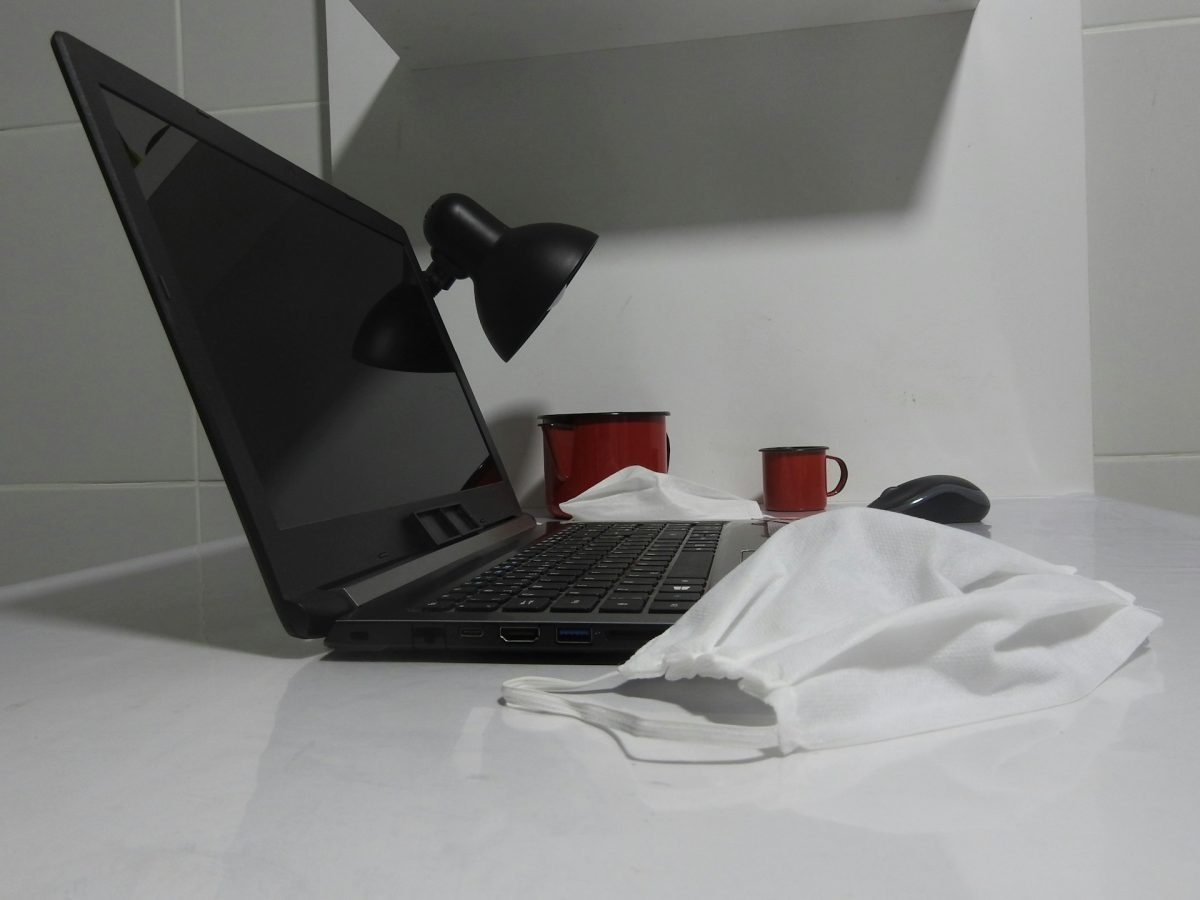
When your laptop starts feeling hotter than usual while you’re just sitting at home doing light work or watching videos, it’s easy to brush it off as no big deal. But heat isn’t just annoying. It can hurt your computer over time, slow things down, or even cause it to crash when you really need it most.
If your laptop keeps heating up, it might be time to take a closer look. You could be dealing with something simple, or it might turn into a bigger issue if left alone. Knowing how to spot early signs and how a trusted laptop repair service can help is a smart first step. It’s especially helpful for people living in warmer parts of Florida like New Port Richey, where mild winters still carry some heat.
What Too Much Heat Can Do to Your Laptop
Laptops are built to handle a little warmth, but constant overheating can start to wear them down. One of the first things to go is performance. Apps might lag, and the system can start to feel sluggish. Over time, heat can start to break down your internal parts too, like the hard drive, battery, or motherboard.
There are small warning signs to look for before these problems get worse. You might notice:
• The fans inside your laptop are working overtime and making a lot of noise
• The keyboard or bottom of the laptop feels hot to the touch
• Programs take longer to open or crash out of nowhere
Catching these signals early on makes it easier to fix the problem before it causes permanent damage. You don’t want heat sneaking in and damaging things from the inside while you’re trying to finish a work project or catch up on schoolwork.
Common Reasons Laptops Get Hot at Home
It’s not always clear what’s making your laptop heat up, especially when you’re just using it at the kitchen table or lounging on the couch. But there are a few things we often see that lead to heat problems.
First, dust is a big one. It builds up around vents and inside your laptop, blocking airflow. Without clean airflow, heat gets trapped, and your fan has to work harder.
Next, where you’re using your laptop can make a difference. Soft surfaces like beds, blankets, and couches can block cooling vents. Even setting it on a thick placemat or pillow can cut off airflow.
And then there’s usage. If you’re running a lot of apps at once, watching videos with other programs open, or leaving things running for hours without rest, that adds pressure to your system.
Here’s what to think about when checking for heat issues:
• Is the laptop on a soft or uneven surface?
• Has it been cleaned out recently?
• Are a bunch of apps open at once all the time?
Sometimes it’s one of these things, or sometimes it’s a mix.
Simple Signs You Shouldn’t Ignore
Some signs of overheating are subtle, but a few are more obvious and shouldn’t be pushed aside.
These are signs that your laptop might need hands-on care:
• Fans that always sound like they’re running at full speed
• Sudden shutdowns or screen freezes
• A strange smell, like something getting too hot inside
• Warping or feel of heat near the touchpad or under the keys
Maybe it boots up fine, but then everything slows to a crawl. Or you tap the keyboard and it just feels too warm for comfort. These are all ways your laptop could be saying it needs extra attention. The earlier you catch these signals, the easier it is to prevent anything permanent from going wrong.
How the Right Laptop Repair Service Can Help
Laptops aren’t always easy to open, and it’s not always clear what’s going on under the hood. That’s where a trusted laptop repair service really helps.
Experts can safely get inside your device without damaging the case or wiring. They’ll be able to clear out any dust that’s built up and look for burned-out parts or signs of heat damage. They can test your cooling system to see if the fan is working properly or if a thermal pad needs replacing. At Avant Computers in New Port Richey, technicians fix hundreds of laptops every month and routinely repair parts such as CPU fans, hard drives, motherboards, DC jacks, batteries, and keyboards.
Trying to guess your way through a fix at home can end badly. Even just removing the wrong screw could make things worse if you’re not sure what you’re doing. That’s why having someone with the right tools and experience look at your laptop gives you peace of mind and a safer device.
How to Keep Your Laptop Cool Moving Forward
Once you’ve handled the overheating, staying ahead of it becomes easier. A few small changes to how and where you use your laptop can have a big impact on how hot it gets.
Try some of these simple habits at home:
• Set your laptop on a flat, hard surface like a desk or table
• Give it regular breaks instead of leaving it on all day
• Restart it a few times a week to let things cool off and reset
• Try a laptop stand or cooling pad for better airflow
• Keep the area around the vents clean and open
It’s the little things that make heat build up slowly over time. Just being a little more mindful of where your device sits and how long it’s being used can make a big difference.
Ready for a Cooler and Safer Laptop
A laptop that’s running hot day after day isn’t something to ignore. Whether it’s slowdowns, loud fans, or random shutdowns, these are all signs that your device needs support before things go too far. Catching the problem early, understanding what’s causing the heat, and changing a few daily habits will help protect your computer in the long run. If you do need professional help, we offer free diagnostics with repair and a 180 day warranty on repairs, so you can move forward with service knowing your laptop is covered.
In warmer places like New Port Richey, Florida, it’s easy for extra warmth in your space to mix with regular use and create problems. But with the right steps, and help when you need it, you can keep your laptop cool, working right, and ready when you are.
Laptop overheating can lead to costly long-term damage if not addressed quickly, so at New Port Richey Computer Repair we recommend a thorough inspection to identify potential issues and prevent bigger problems down the line. You can count on us for honest guidance and quick repairs. Visit our laptop repair service to get started and give us a call today.