
Tips for Desktop Repairing During Winter in New Port Richey
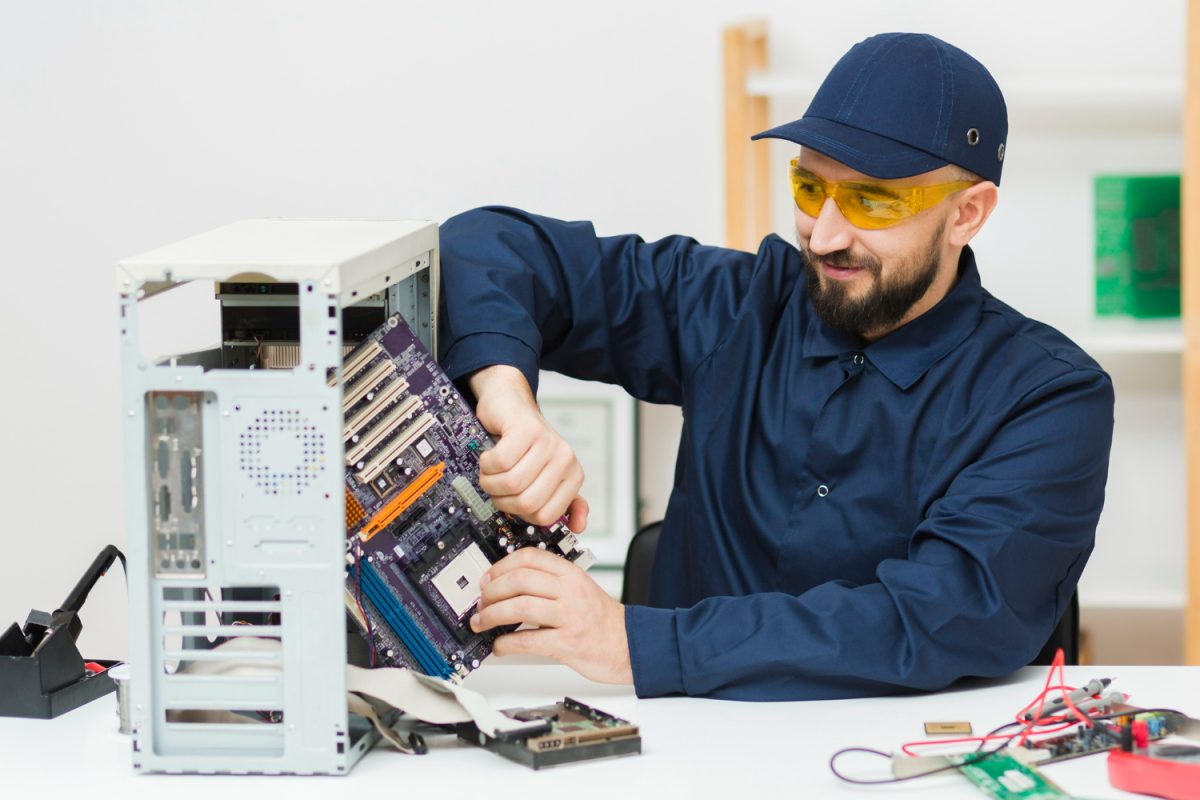
Winter in New Port Richey might not come with snow or ice, but that doesn’t mean our desktops get a break. Cooler mornings, sudden heat in the afternoons, and more time spent indoors can all affect how computers run. The shift in seasons might feel small, but it can sneak up on electronics in ways we don’t always notice right away. Florida’s winter brings humidity changes, dust from closed-up homes, and the kind of indoor heat that can mess with cooling systems. That’s why desktop repair in New Port Richey becomes just as important during the winter months as it is in the summer. It’s not about major disasters, it’s about noticing the tiny problems before they grow.
Why Winter Still Affects Desktops in Florida
Florida winters don’t get cold the way other places do, but they still bring problems that can affect desktops over time. We may not battle icy roads, but we do deal with sudden drops in temperature overnight and extra moisture in the air during warm days. These shifts can lead to all sorts of issues inside older machines or desktops set up in tricky spots.
• If your desktop sits near a window, door, or garage wall, it could pick up more moisture than you’d expect. That can lead to internal corrosion or slowed performance.
• Sudden temperature changes between night and day can cause parts to expand and contract, which wears them down over time.
• Seasonal power surges from increased heater use or overworked electronics at home can mess with a desktop’s power supply or motherboard.
These problems don’t always show themselves right away. That’s why regular checkups matter. When we get ahead of the small stuff, there’s less chance it turns into bigger repair needs later.
What to Watch For Around the House
It’s easy to overlook signs that a desktop isn’t handling the season well. Things happen slowly, maybe a longer boot time, or a fan that’s gotten louder without much reason. These often get brushed off, but they could be early warnings that your desktop needs attention.
• Slow startups or random restarts can point to heat issues or power problems.
• A fan that kicks in loudly, even when you’re not running anything heavy, might mean there’s too much dust built up inside.
• Fireplaces and indoor heaters can lift dust into the air that settles on vents and pulls into your machine as it runs.
It’s a good idea to make sure your desktop sits off the floor if possible. Putting it on a raised surface and away from baseboards or heating vents gives it a better shot at staying cool and clean. Desktops trapped in corners, tucked into furniture, or up against walls usually hold onto more heat and grab more dust, especially when windows stay closed most of the day.
Sometimes, desktops near windows experience more than just temperature changes. Condensation can gather on cold mornings, and this dampness can seep into the sides or bottom of a computer, leading to hidden moisture inside the machine. Even a little bit of water in the wrong place can cause unexpected issues later in the season. Keeping desktops in a dry, stable area helps prevent these problems, especially in older Florida homes where drafty windows are common.
Why “Quick Fixes” Don’t Always Help
When things go wrong, it’s tempting to do a quick restart or push a few updates and hope for the best. Sometimes that works, but more often, it just delays the real fix. We’ve seen plenty of desktops that came in after those “quick” fixes only made things worse.
• Restarting over and over without understanding the problem can lead to damaged files or even hardware.
• Forcing system updates when the desktop is already struggling might overload it.
• Disconnecting parts without knowing what they do could cause bigger issues than the ones you were trying to solve.
Without proper testing, it’s hard to know what’s actually going on. Guessing can lead to lost data, longer downtimes, and higher repair needs down the line. It’s always better to slow down, ask questions, and let an expert take a closer look.
Besides, quick fixes can sometimes hide the real issue rather than solve it. For example, a restart might temporarily speed things up, but if there’s dust clogging a vent or a power supply issue, those things will come back, and sometimes worse, with the next temperature swing. Winter brings a busy season for tech because of more indoor hours and extra use. Taking shortcuts can mean more trips for repairs later, which usually happens right when schedules get the busiest.
The Perks of Being Proactive Before the New Year
December is a busy time. Whether we’re finishing up work before the holidays, shopping online, or staying in touch with family, our desktops are often doing more now than they were a month ago. That’s why winter is a smart time to look ahead and make sure things are running the way they should.
• Many people rely on their computers more during winter breaks, for work, video calls, or entertainment.
• Getting ahead of hidden problems now means fewer chances of something breaking when schedules are tight.
• A simple checkup or cleanup can help your desktop run faster and last longer into the new year.
Remember, Florida’s winter weather means people tend to keep homes closed up more often, leading to stuffier air and more dust settling on electronics. With families gathering, more guests in the house can also mean more folks using the same computer or plugging in extra devices. These little changes all add up, putting extra strain on a desktop already dealing with dust and temperature shifts.
Taking the time before the new year to check for slow startups, odd noises, or even small error messages on the screen gives you a chance to fix things before they turn into emergencies. A little extra time now saves hassle and helps everyone enjoy their time together, rather than waiting for repair visits later.
When a desktop runs well, everything feels easier. You don’t have to hold your breath when a program loads. You don’t sit there waiting for something to boot up when you’ve got five other things to do. Getting proactive before the new year isn’t just about the computer. It’s about peace of mind during a season that’s already packed with other tasks.
Keep Your Desktop Smooth and Stress-Free All Winter
The weather in Florida might be milder than most places, but desktops in New Port Richey still feel the effects of winter. Sudden weather shifts, increased indoor heat, and more time spent on devices can all lead to slower systems and higher risk for damage if small signs are missed. A well-timed checkup or seasonal tune-up can make all the difference.
By keeping an eye out for signs like overheating, fan noise, or startup issues, we give ourselves a better shot at stopping problems early. Letting things slide can lead to bigger headaches when it’s the least convenient. So we always suggest paying attention as winter routines settle in. That small bit of care now means fewer worries later and a smoother ride into the new year.
At Avant Computers, we offer free diagnostics with repair for desktops, a 180-day warranty on repairs, and same-day service for New Port Richey residents. Seasonal changes in Florida, like increased heat and humidity, can quietly affect your desktop’s performance. Routine support with desktop repair in New Port Richey can help prevent minor problems from turning into costly downtime. At Avant Computers, we’re here to keep your system running smoothly. Call us today to schedule a service that works for you.